Make a QR Code from URL
Turn any website link into a scannable QR code in seconds. No signup required and works on all devices.
Create Free QR Code Instantly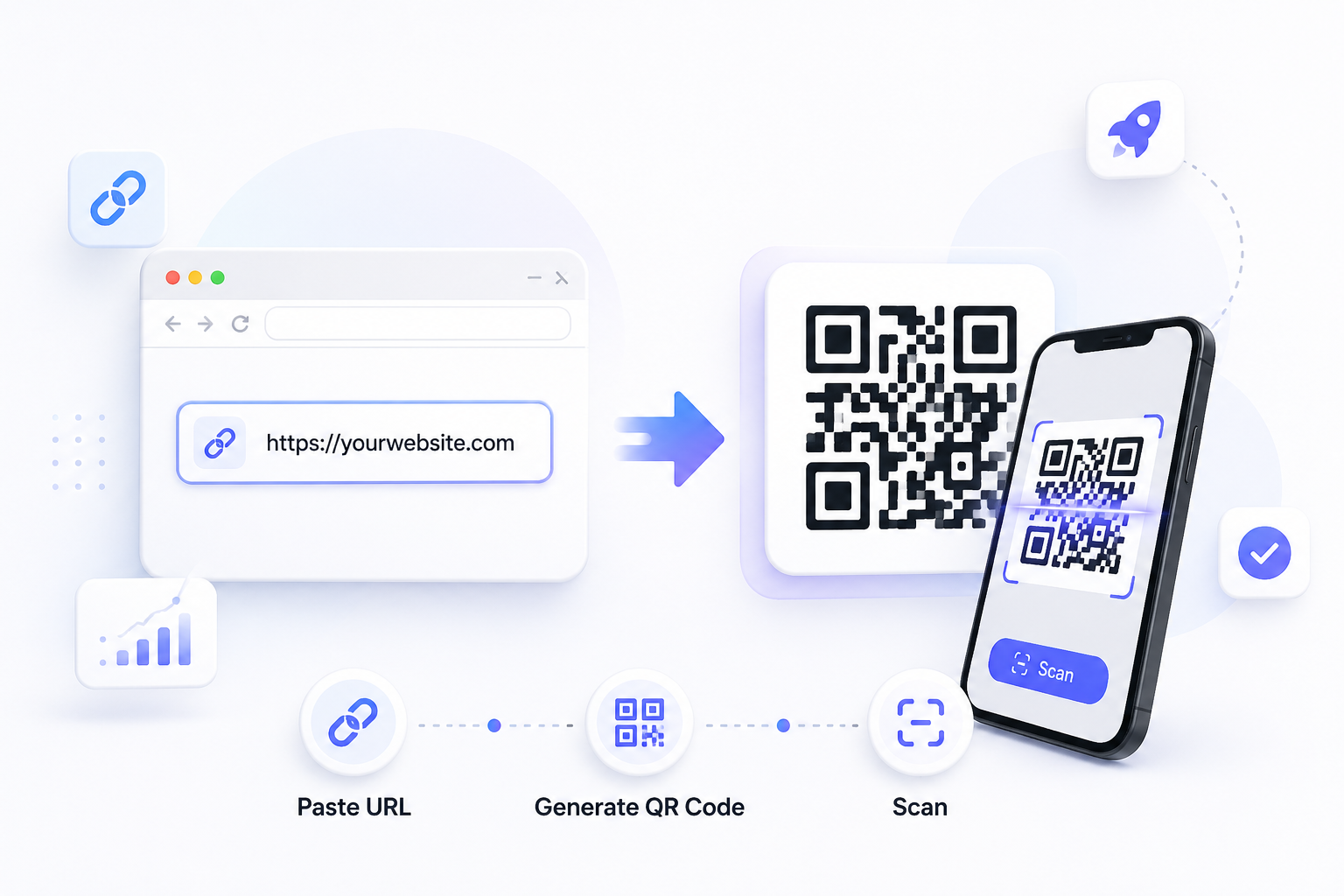
What Is a QR Code URL?
A QR code made from a URL is a scannable image that stores a website address and opens the page instantly when scanned with a smartphone. Many users search for ways to make QR code from URL because it removes the need to type long links manually and makes sharing faster.
Users often search for terms like “create QR code from URL”, “URL to QR code generator”, and “free QR code generator for links” when looking for a fast way to share websites without typing long addresses.
A URL QR code is commonly used for product pages, landing pages, restaurant menus, event registrations, portfolios, and social profiles. If you need to generate QR code from URL links for business or personal use, it is one of the simplest ways to turn traffic from offline media into online visits.
How to Make a QR Code from URL
Copy Your Website Link
Copy the full page address you want to share. This can be a homepage, product page, booking page, menu, video link, or any valid website URL.
Paste the URL
Paste the address into the generator input field. If you want to make link into QR code format correctly, always double-check the link before generating.
Create the QR Code
Click generate to instantly create your code. This is the fastest way to generate QR code from URL pages without installing software.
Download and Use
Save the image as PNG and place it on posters, packaging, business cards, flyers, signs, or digital content to start getting scans.
Turn any website link into a QR code instantly. No signup required. Works on all devices and can be used for marketing, menus, packaging, and more.
Generate QR CodeBest Practices for URL QR Codes
Following a few simple best practices can improve scan rates, user trust, and conversions when using QR codes in print or digital campaigns.
Where to Use a QR Code from URL
URL QR codes are useful anywhere people need fast access to a webpage. They help connect printed materials and real-world spaces with online content in seconds.
Many businesses use this tool to make URL QR code assets for flyers, menus, and product packaging.
Next Step: Choose the Right QR Tool
Why Make QR Codes from URLs?
If you need a free QR code generator for URL sharing, the main benefit is convenience. Users move from seeing your message to visiting your page in a single scan.
Businesses often use URL QR codes to bridge offline attention and online action. A flyer, menu, card, or package can become a direct traffic source without requiring users to search manually.
Common Issues When Creating QR Codes
Use a clear black-on-white design with enough contrast and avoid blurry images.
Test the URL before publishing. If the page does not load, create a new code.
Download in PNG format and avoid stretching the image after saving.
Increase the size so phone cameras can scan it comfortably from normal distance.
Recheck the pasted link if you intended to create QR code with URL for another page.
Related Tools & Guides
FAQ
The easiest way is to paste your link into a free URL QR code generator, click generate, and download the QR code instantly.
Yes, you can use a free QR code generator for URL links and download the image instantly.
Static QR codes do not expire as long as the website link remains active.
Copy the link, paste it into the tool, generate the code, then download it.
Yes, many businesses use URL QR codes for flyers, packaging, menus, and promotions.
If the code is static, create a new one when the URL changes.
Create Your QR Code Now
Create a QR code from any URL instantly. Perfect for menus, posters, business cards, packaging, promotions, and website traffic growth.
Create QR Code